Navigating the world of PC hardware for gaming can feel overwhelming especially when trying to balance peak performance with real-world budgets and limited free time. This comprehensive guide cuts through the tech jargon to deliver actionable insights on what MHz RAM for gaming truly matters in 2026. We'll explore how RAM speed impacts your in-game experience from frame rates to load times and help you make an informed decision for your next upgrade or PC build. Whether you are a dedicated enthusiast or a busy parent sneaking in game time after the kids are asleep understanding RAM specifications like MHz and CAS Latency is crucial for optimizing your setup. Our goal is to empower you to get the most out of your gaming rig without overspending on unnecessary features focusing on practical advice that delivers tangible improvements to your gameplay sessions. Discover the sweet spot for RAM speed that delivers smooth immersive gaming.
QWhat is the best RAM speed (MHz) for gaming in 2026?
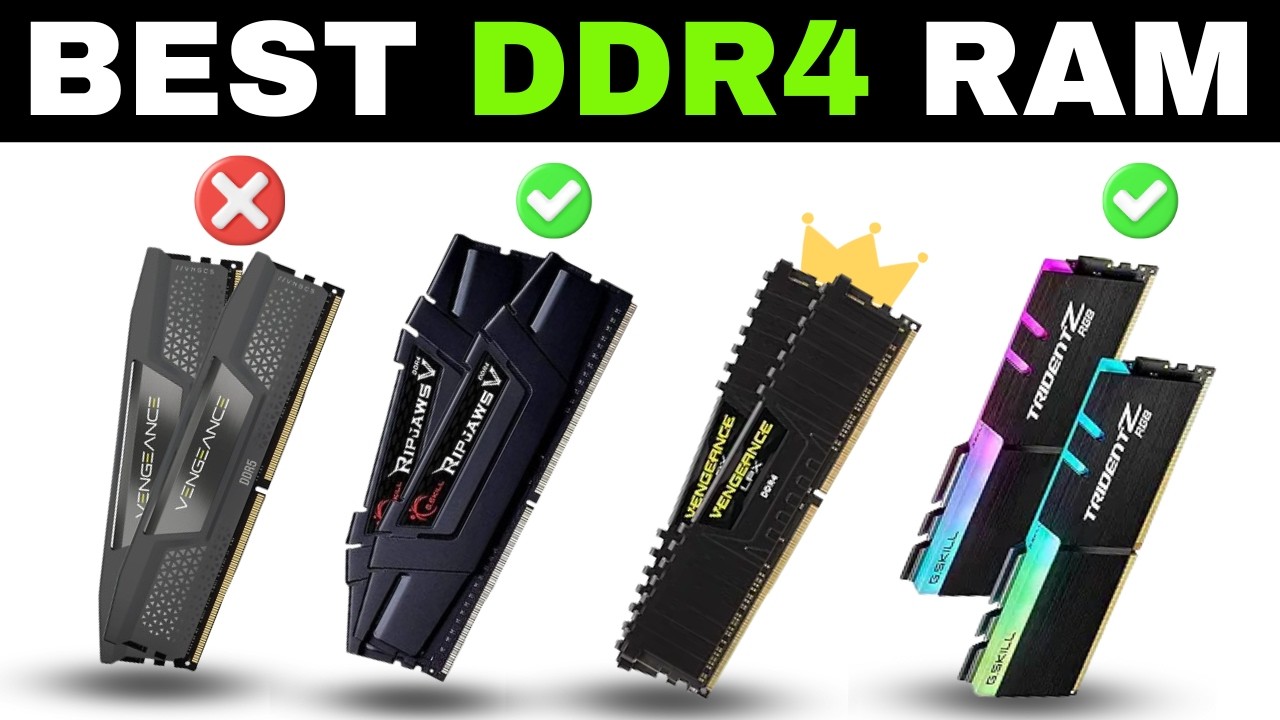
AFor optimal gaming performance in 2026 the sweet spot for DDR5 RAM is generally between 6000MHz and 6400MHz. This range provides an excellent balance of speed responsiveness and cost efficiency for modern CPUs. If you are still on DDR4 3200MHz to 3600MHz remains a strong performer and offers great value.
QHow does RAM speed affect my in-game FPS and overall performance?
ARAM speed significantly impacts FPS and overall gaming performance by influencing how quickly your CPU can access and process game data textures and instructions. Faster RAM especially with low CAS Latency can lead to higher average frame rates smoother 1% and 0.1% low FPS reducing stutters and improving load times. This is particularly noticeable in CPU-intensive games and open-world titles.
QShould I upgrade to DDR5 RAM for gaming, or is DDR4 still good?
AIf you are building a new PC with a current-generation Intel or AMD CPU DDR5 is the recommended choice as these platforms are optimized for its higher bandwidth and speeds. DDR5 offers future-proofing and superior performance. However if you have an existing DDR4 system upgrading to faster DDR4 (e.g., 3600MHz) can still provide excellent gaming performance without requiring a full platform overhaul.
QWhat is RAM CAS Latency (CL) and why does it matter for gaming performance?
ACAS Latency (CL) represents the delay in clock cycles between when the CPU requests data from RAM and when the RAM actually delivers it. A lower CL number is better because it means quicker response times. For gaming both high MHz and low CL are crucial. For example 6000MHz CL30 is generally preferred over 6000MHz CL40 as the lower latency ensures faster data access despite the same clock speed.
QCan I just enable XMP or EXPO to get my RAM's advertised speed?
AYes enabling XMP (Intel Extreme Memory Profile) or EXPO (AMD Extended Profiles for Overclocking) in your motherboard's BIOS is typically how you achieve your RAM's advertised speeds. Without enabling these profiles your RAM will likely run at a slower JEDEC default speed. These profiles automatically configure the correct voltage frequency and timings to ensure stable operation at the specified higher speeds.
QIs 32GB of high-speed RAM overkill for just gaming?
AFor dedicated gaming 16GB of fast RAM is generally sufficient for most titles even in 2026. However if you multitask heavily (Discord browser streams etc.) or play extremely memory-intensive games 32GB of high-speed RAM provides significant headroom reducing reliance on slower storage and enhancing overall system responsiveness. It is not strictly necessary for just gaming but offers a quality-of-life improvement for many users.
QWhat RAM speed offers the best value for a gaming PC on a budget?
AFor a DDR4 budget build 3200MHz CL16 RAM offers outstanding performance for its price. If you are building a budget-friendly DDR5 system aiming for 5600MHz CL36 or 6000MHz CL36 kits provides a great balance. These speeds deliver significant performance boosts over slower options without the premium cost associated with the absolute highest-end RAM kits allowing you to allocate funds to other components like your GPU.
Hey fellow gamers! Ever find yourself with just an hour or two to dive into your favorite world after a long day of work and family duties only to be met with stuttering frames or slow loading screens? It is a common pain point for many of us who cherish our gaming time. We want that smooth immersive experience not a technical headache. One crucial component often debated in the quest for gaming nirvana is RAM especially the seemingly endless discussion around what MHz RAM for gaming is truly optimal.
You are not alone in wondering if 3200MHz is enough or if chasing 6000MHz is really worth it. With around 87% of US gamers regularly engaging in gaming and dedicating an average of 10+ hours a week we are all looking to maximize our precious gaming moments. And for those of us balancing life gaming often becomes a stress-buster a way to connect with friends or simply unwind. So let's cut through the marketing hype and get down to what really matters for your gaming rig in 2026 ensuring you get the best performance for your hard-earned money and valuable free time.
What Exactly Does RAM MHz Mean for My Gaming PC?
RAM MHz or megahertz refers to the clock speed of your Random Access Memory. In simple terms it indicates how many cycles per second your RAM can perform. A higher MHz generally means your RAM can process data faster. Think of it as the speed limit on a highway. The faster the limit the quicker data can theoretically travel between your CPU and RAM. This speed directly impacts how quickly your system can access game assets textures and other critical data improving overall system responsiveness and often leading to smoother frame rates especially in CPU-bound scenarios.
Is Higher RAM MHz Always Better for Gaming Performance?
While it is tempting to think that more MHz automatically equals more FPS the truth is a bit more nuanced. For most modern CPUs there's a sweet spot where RAM speed provides significant performance gains but beyond that point the improvements become diminishingly small or even negligible. Your CPU's integrated memory controller has a maximum efficient speed it can handle and pairing it with RAM that's excessively faster might not yield proportional benefits. It's like putting a supercar engine in a city car the chassis might not be able to handle its full potential. The key is finding the right balance that complements your entire system.
What is the Ideal RAM Speed MHz for Modern Gaming in 2026?
In 2026 for most gamers building a new PC or upgrading an existing one the ideal RAM speed sweet spot typically falls between 6000MHz and 6400MHz for DDR5 memory. For DDR4 users which is still a very capable platform 3200MHz to 3600MHz remains excellent value. This range offers a fantastic balance of performance and cost efficiency providing noticeable improvements in frame rates and 1% low FPS without breaking the bank. Many popular titles and social gaming experiences like the latest survival crafters or competitive shooters will see tangible benefits from RAM in this range.
How Does RAM Speed Impact FPS in Popular Games?
RAM speed can significantly influence your Frames Per Second (FPS) particularly in games that are CPU-intensive or feature large open worlds with many dynamic elements. Games like Cyberpunk 2077 Starfield or even competitive esports titles can see a measurable uplift. For example moving from 3200MHz DDR4 to 6000MHz DDR5 can sometimes net you a 5-15% increase in average FPS and more importantly a substantial improvement in 1% low and 0.1% low frame rates. These low frame rates are critical because they dictate how smooth your gaming experience feels avoiding those jarring stutters that pull you out of the immersion. This month's data suggests that social and multiplayer games especially benefit from consistent frame delivery as smooth communication and responsiveness are key.
Should I Choose DDR4 or DDR5 RAM for Gaming in 2026?
The choice between DDR4 and DDR5 largely depends on your CPU and motherboard. If you're building a new system with a modern Intel 12th gen or newer or AMD Ryzen 7000 series or newer CPU then DDR5 is the way to go. These platforms are designed to fully leverage DDR5's higher speeds and improved architecture. DDR5 offers higher bandwidth lower power consumption (at comparable performance levels) and greater future-proofing. However if you're rocking an older CPU that only supports DDR4 an upgrade to faster DDR4 (3600MHz) can still provide excellent value and performance without needing a full platform overhaul. Remember 60% of US gamers are finding ways to balance their passion with life's demands so smart upgrades are key!
What About RAM Timings (CL Latency) and Their Effect on Gaming?
RAM speed (MHz) tells you how many cycles per second but CAS Latency (CL) tells you how many clock cycles it takes for the RAM to respond to a request. So if you have very high MHz but also very high CL latency your RAM might be fast in cycles but slow to actually respond. Lower CL numbers are better. For example 6000MHz CL30 is generally superior to 6000MHz CL40. The ideal scenario is a balance of high speed and low latency. For DDR5 aiming for CL30-CL34 at 6000-6400MHz is usually the sweet spot. When comparing kits always look at both the MHz and the CL value. A common calculation to compare is Effective Latency = (CL / MHz) * 2000. Lower is better!
Can I Mix Different RAM Speeds, and What Happens If I Do?
Mixing different RAM speeds is technically possible but generally not recommended. Your system will default to the slowest RAM stick's speed and timings. So if you have one 3200MHz stick and one 3600MHz stick both will run at 3200MHz. This also applies to different capacities or brands mixing can sometimes lead to instability or compatibility issues especially with XMP/EXPO profiles. To ensure optimal performance and stability it's always best to use matched RAM kits purchased together. This way you guarantee they are designed to work in harmony at their advertised speeds and timings.
How Do I Check My Current RAM Speed and Upgrade It Effectively?
Checking your RAM speed is straightforward. On Windows you can open Task Manager (Ctrl+Shift+Esc) go to the 'Performance' tab and select 'Memory.' It will show you the speed in MHz. For more detailed information tools like CPU-Z are excellent. When upgrading first identify your motherboard's maximum supported RAM speed and type (DDR4/DDR5). Then decide on your desired capacity (16GB or 32GB for gaming). Purchase a matched kit that fits your budget and performance goals aiming for that 6000-6400MHz CL30-CL34 sweet spot for DDR5 or 3600MHz CL16-CL18 for DDR4. Always ensure your CPU also supports the chosen RAM speed.
Is 32GB of RAM (and its speed) Overkill for Gaming?
For pure gaming 16GB of fast RAM is still perfectly adequate for the vast majority of titles in 2026. However if you are a multi-tasker running Discord a browser with dozens of tabs a stream and a game simultaneously 32GB offers a noticeable quality of life improvement preventing your system from relying on slower page file usage. For gamers who also dabble in content creation video editing or heavy CAD work 32GB or even 64GB becomes a necessity. So while 32GB at optimal speeds is not overkill it is an investment for those with specific use cases beyond just firing up a game.
What's the Best Value RAM Speed for Gamers on a Budget?
For gamers on a tighter budget looking for the best bang for their buck 3200MHz CL16 DDR4 RAM still offers incredible value. It provides solid performance that's more than sufficient for most games and often comes at a very attractive price point. If you are building a new DDR5 system and want to save some cash look for 5600MHz CL36 or 6000MHz CL36 kits. These often cost less than the absolute fastest kits but still deliver a significant performance uplift over slower options. Smart budgeting means making informed choices not just picking the cheapest option. Remember staying current without breaking the bank is a priority for many of us balancing work and play.
Does RAM Speed Matter for Streaming or Content Creation While Gaming?
Absolutely! When you are streaming on platforms like Twitch or YouTube creating video content or editing large files while gaming RAM speed and capacity play an even more critical role. These activities are RAM-intensive. Faster RAM speeds help your system handle multiple demanding tasks concurrently without bottlenecks. High-speed RAM ensures smoother encoding for your stream quicker renders for video projects and more responsive multitasking. So if you are an aspiring creator or just love sharing your gameplay with friends definitely prioritize both sufficient capacity (32GB+) and optimal speeds (6000MHz+) for a seamless workflow.
Navigating the world of what MHz RAM for gaming can be complex but hopefully this guide has illuminated the path to smart choices. The sweet spot for most gamers in 2026 revolves around 6000MHz to 6400MHz for DDR5 and 3200MHz to 3600MHz for DDR4 balancing performance with value. Remember it is all about harmonizing your components to get the best overall experience for your individual needs and budget. Your gaming rig is your escape your social hub and your playground so make sure it is performing at its best.
What's your biggest gaming challenge when it comes to hardware upgrades? Comment below!
FAQ Section
Q: Is 4000MHz RAM overkill for gaming?
A: For DDR4 4000MHz is generally pushing the limits of diminishing returns and CPU memory controllers making it more expensive without much extra gain over 3600MHz. For DDR5 4000MHz is considered slow. Focus on the 6000-6400MHz range for optimal DDR5 performance.
Q: How much RAM capacity is enough for gaming in 2026?
A: 16GB of RAM is still sufficient for most games. However 32GB is becoming the new standard for users who multitask stream or play memory-intensive titles offering more headroom and future-proofing without a massive price jump.
Q: Does overclocking RAM (XMP/EXPO) void my warranty?
A: Enabling XMP or EXPO profiles is technically a form of overclocking but it is an industry-standard feature. Most RAM and motherboard manufacturers generally allow it and it won't void your warranty unless you push speeds beyond the rated profiles. Always check your specific manufacturer's policy if unsure.
Q: Can slower RAM bottleneck my high-end graphics card?
A: Yes slower RAM can absolutely bottleneck a powerful GPU. If your CPU cannot feed data fast enough to the GPU due to slow RAM the graphics card will sit idle waiting for instructions leading to lower FPS and inconsistent frame delivery even with a top-tier GPU.
Q: What's the difference between single-rank and dual-rank RAM for gaming?
A: Dual-rank RAM typically offers slightly better performance (around 5-10% in some games) over single-rank RAM at the same speed and timings because it allows the CPU to access data from two separate ranks simultaneously. Most high-capacity sticks (16GB+) are dual-rank.
Q: Is it okay to use only one RAM stick for gaming?
A: While technically functional using only one RAM stick means your system runs in single-channel mode which significantly reduces memory bandwidth. This can lead to a substantial performance hit in games sometimes up to 20-30% lower FPS. Always use at least two matched RAM sticks for dual-channel operation to maximize gaming performance.
Optimal RAM speed for gaming is crucial for smooth frame rates and faster load times. DDR5 RAM with speeds around 6000MHz to 6400MHz is the current sweet spot for performance and value. CAS Latency CL is as important as MHz for actual gaming responsiveness. Balancing RAM speed and latency offers the best performance boost. Upgrading RAM can be a cost-effective way to improve older systems if done strategically. Understanding your CPU's RAM controller limits is essential before purchasing.
35

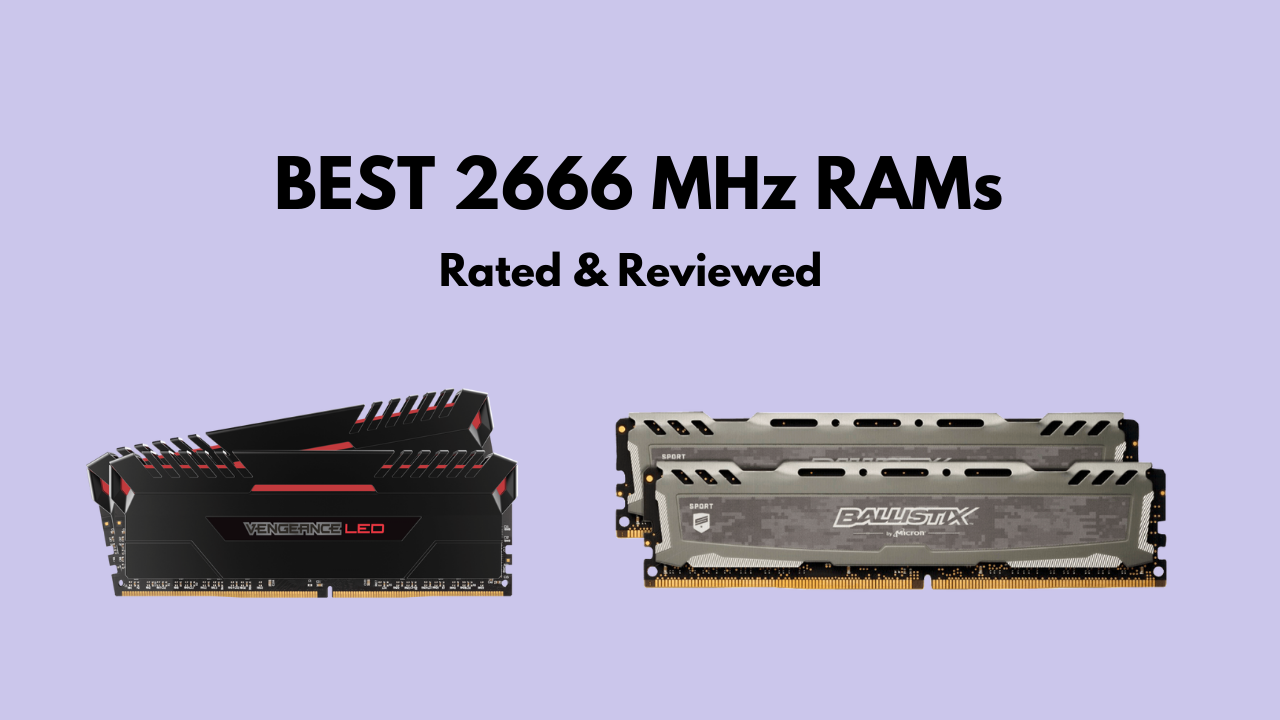

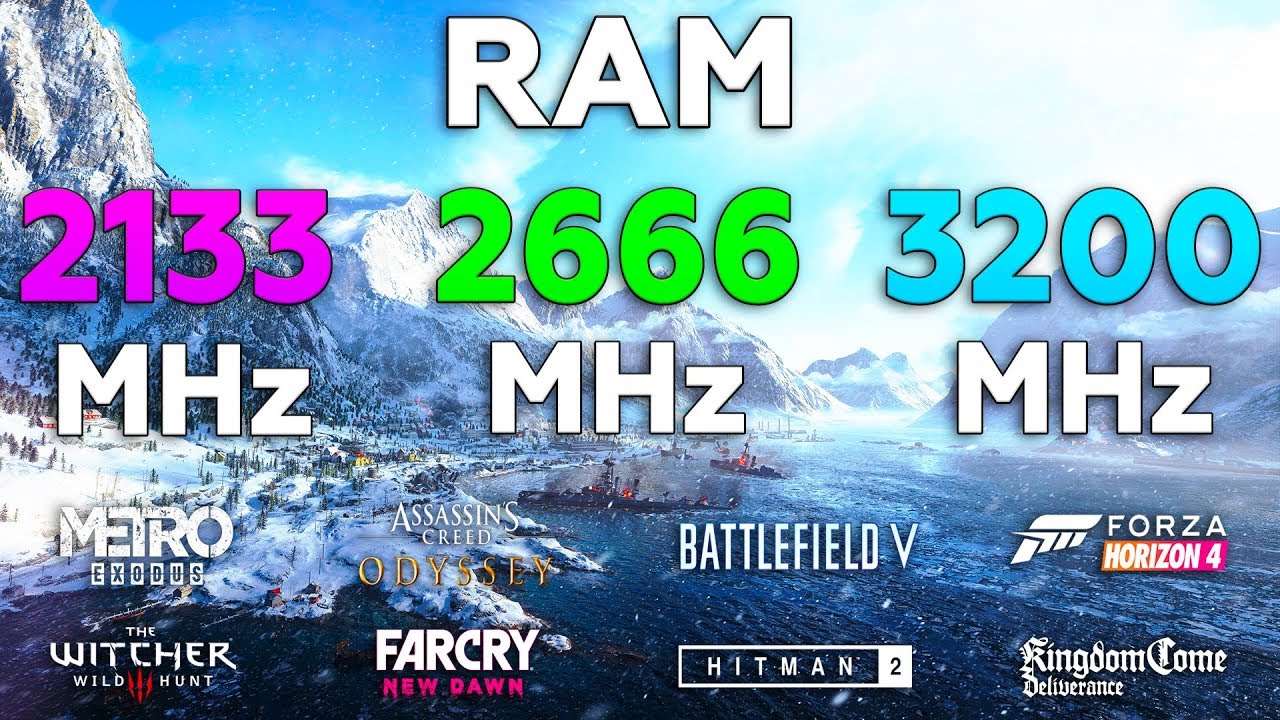
Does RAM Speed MHz Affect Gaming FPS July 2026 Guide Does RAM Speed MHz Affect Gaming FPS . Best RAM For Gaming Upgrade Your PC And Laptop RAM Lucky Falcon Best 16GB RAM For Gaming . How To Allocate More RAM To Warzone Get Higher FPS 2024 Best 2666 Mhz Ram . 2026 Gaming RAM Upgrade Guide Selecting The Best Speed And Capacity Best Ram For Gaming 2026 En . 2133MHz Vs 2666MHz Vs 3200MHz RAM Test In 8 Games

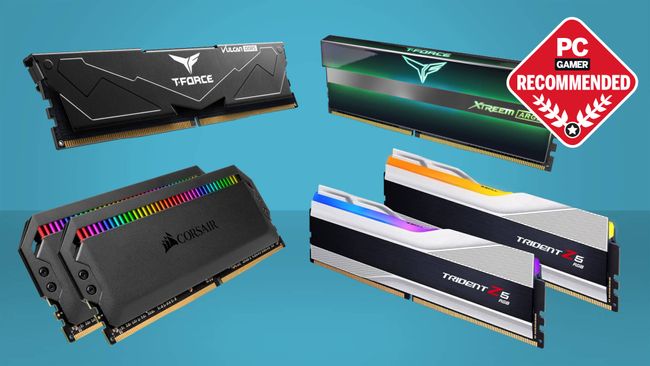
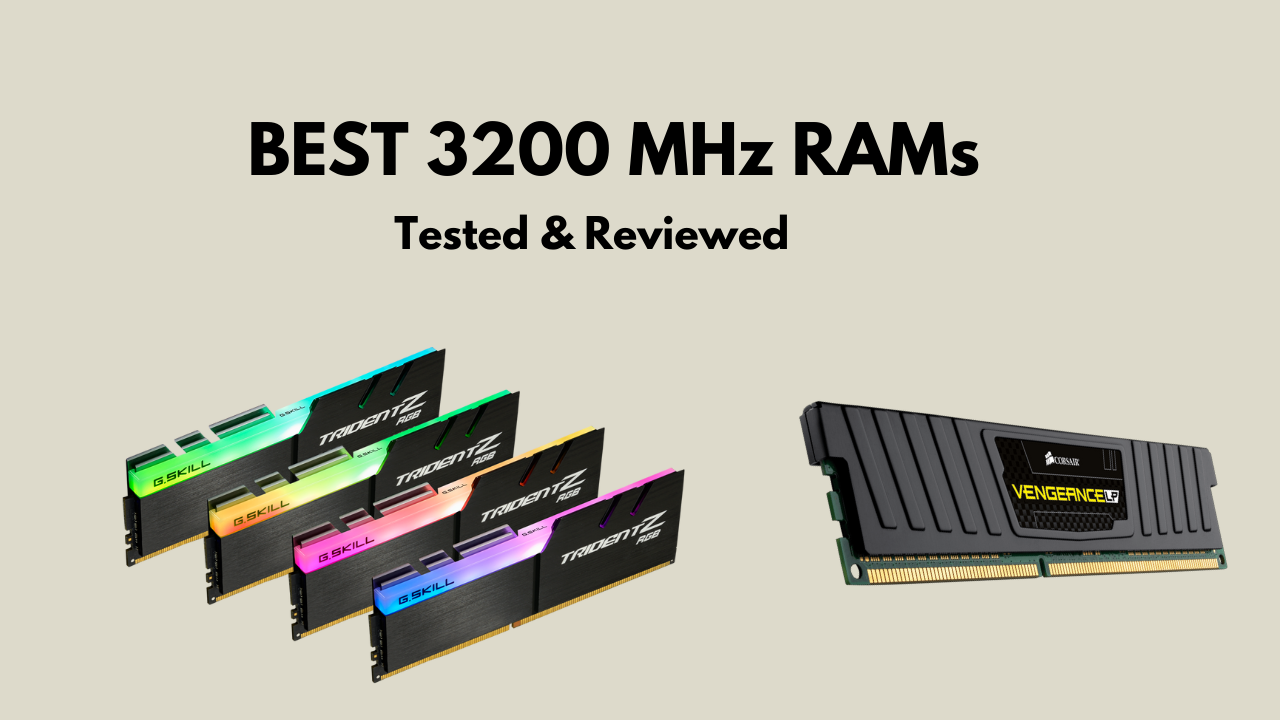

What Is The Optimal RAM Speed For Gaming YouTube . Best RAM For Gaming In 2026 9meters 1pjstsxr3ks 1536x1152 . Articles By Nick Evanson Hardware Writer PC Gamer 650 80 . How To Allocate More RAM To Warzone Get Higher FPS 2024 Best 3200 Mhz Ram . Does RAM Speed Matter For Gaming 3600 Vs 2666 MHz YouTube
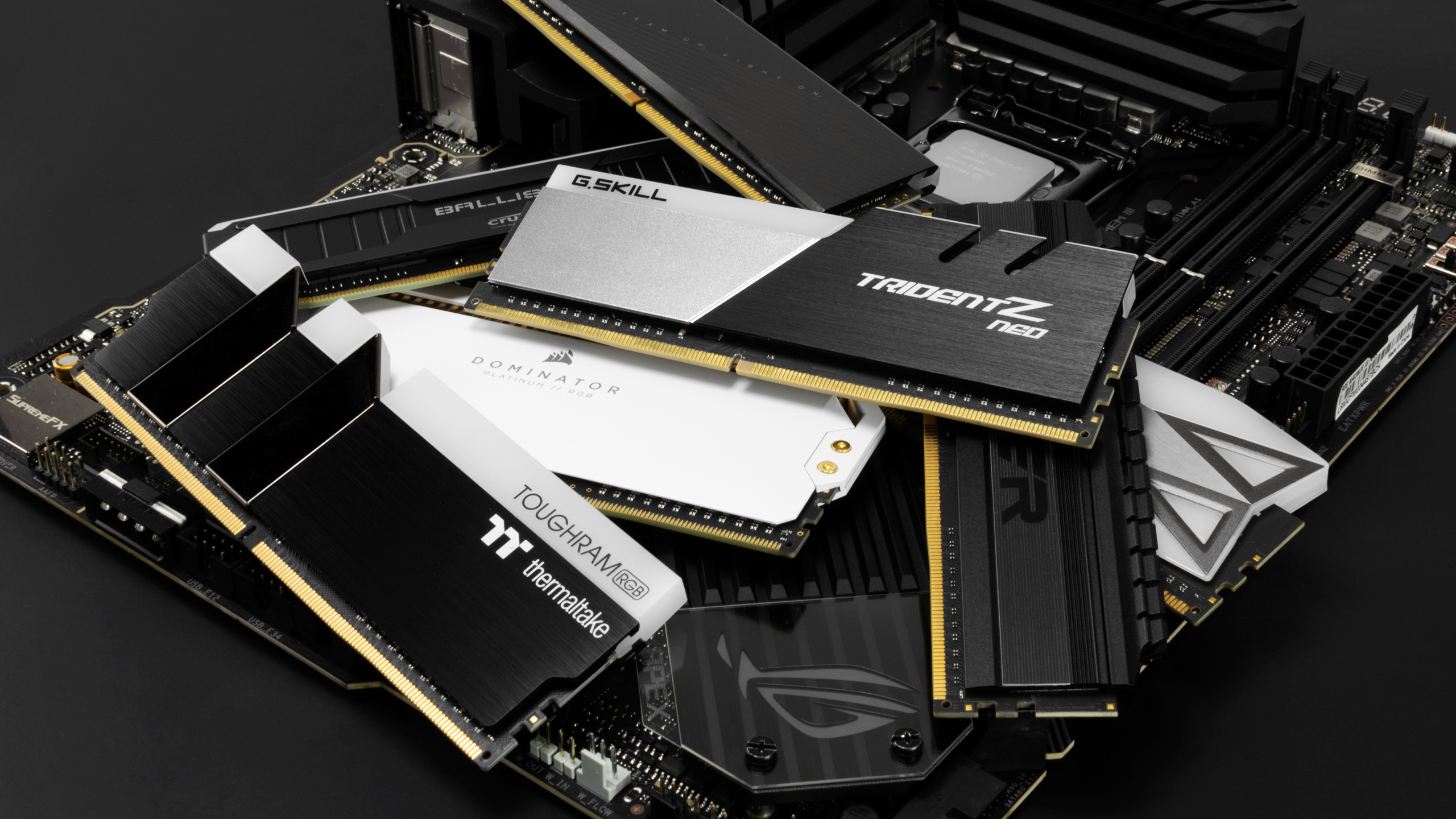


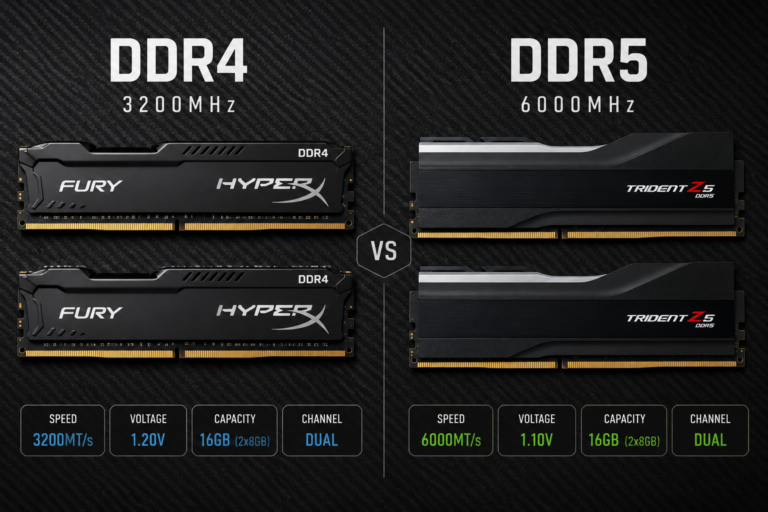
Mejor RAM Para Gaming En 2026 Estados Unidos DDR4 Vs DDR5 Mejor Ram Para Gaming 2026 Ddr5 32gb. Best PC Builds For Gaming 2026 From 500 Budgets To 4 000 Tom S . Best 64GB DDR5 RAM Kits In 2026 Streamin Gaming PC Guru Best Gaming Computer Memory Featured 800x500 . 12 Best DDR5 RAM For Gaming In 2026 Tested Reviewed Best DDR5 RAM For Gaming . Best RAM For Gaming 2026 Top DDR5 DDR4 Kits Best RAM For Gaming 768x512
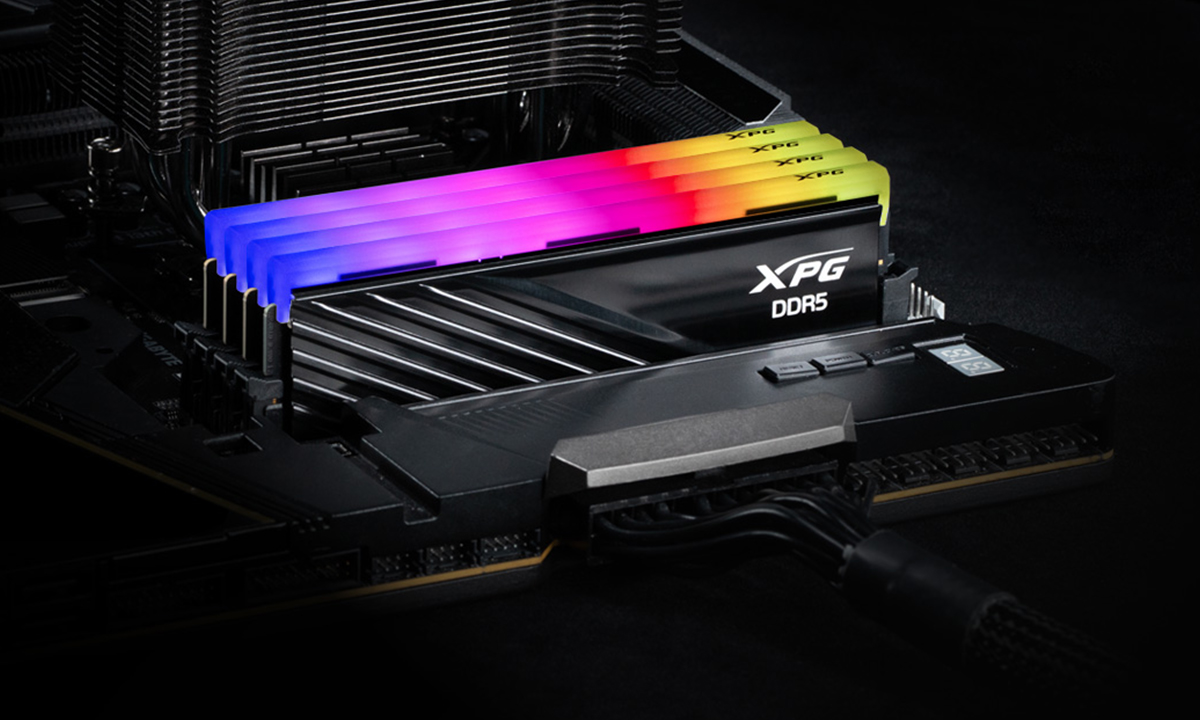


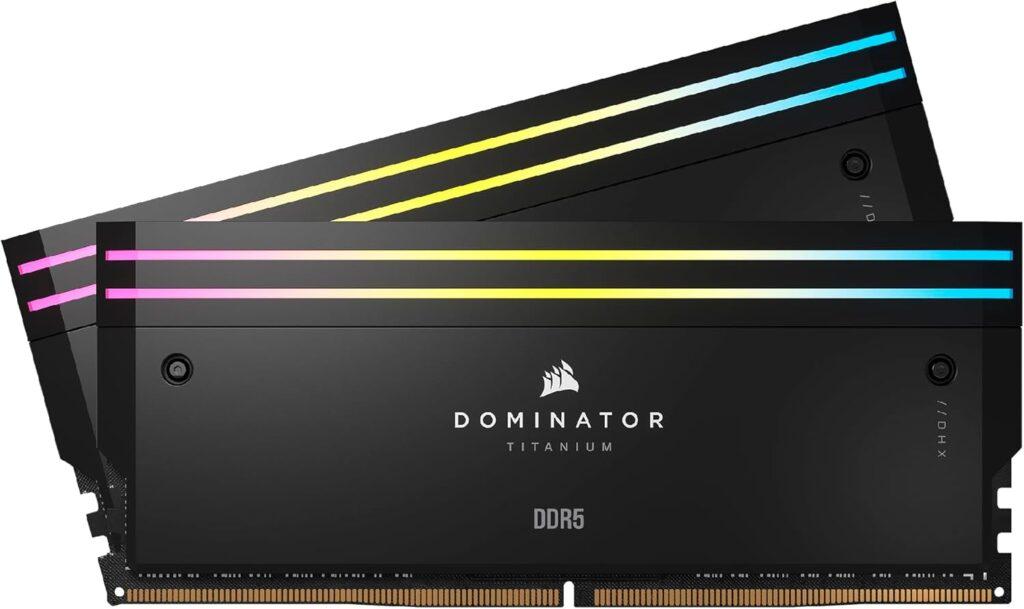
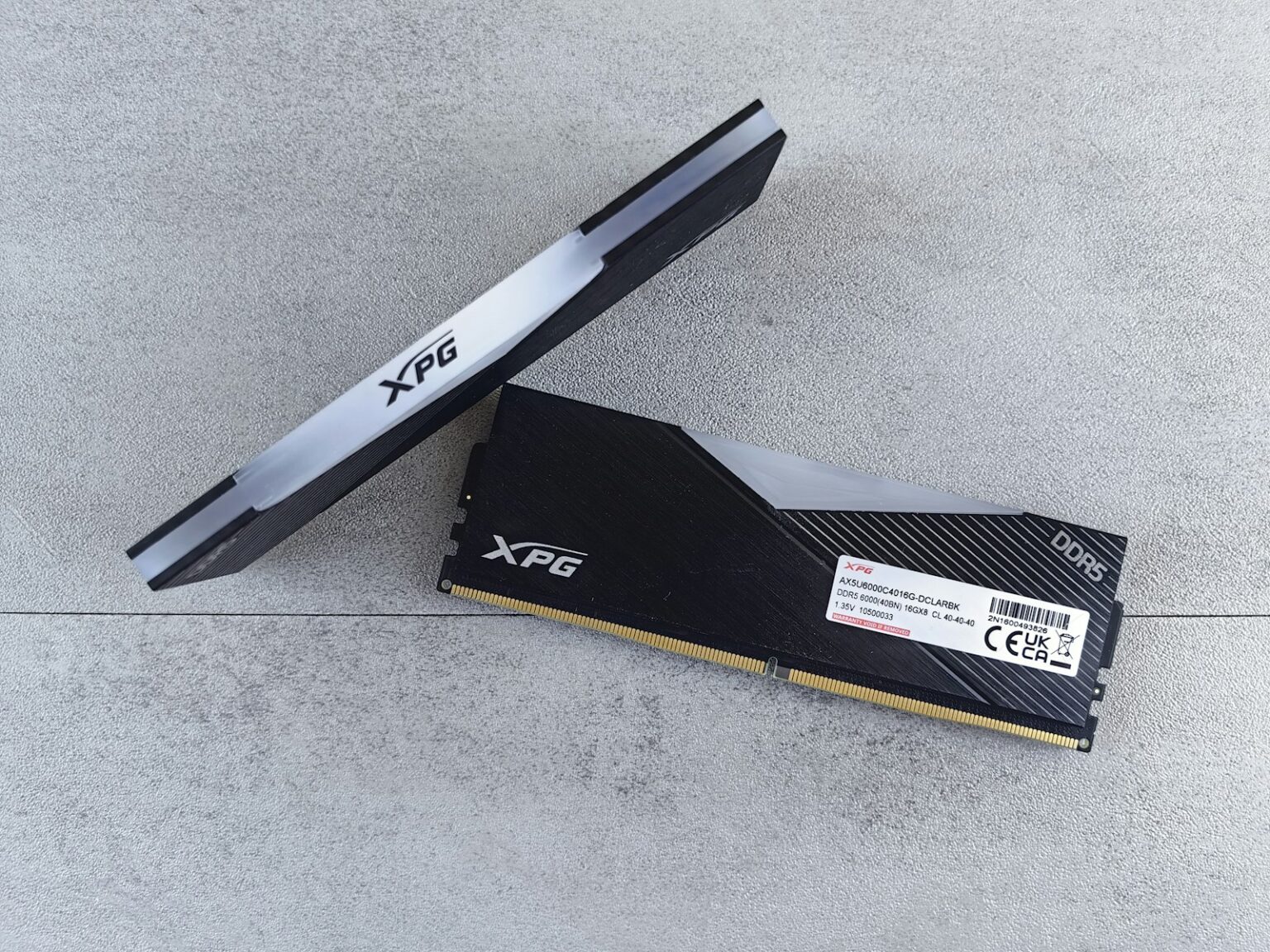
XPG Lancer Blade RGB 16GB DDR5 Bulk Ram Gaming Gen TR Xpg Lancer Blade Rgb 16gb 1x16gb 6000mhz Cl48 Intel Xmp 3 0 Amd Expo Ddr5 Bulk Ram Blabrbk H6 . Memory Matters For Gaming In 2024 CORSAIR MM Graph 2024 000.format Jpeg . Hynix 32GB DDR5 5600 MHz ECC RAM At Best Price In Kolkata By Solaris Hynix 32gb Ddr5 Rdimm 5600 Mhz Ram 1000x1000 . Best RAM For Gaming 2026 DDR5 Speed T Gaming PC Guru 51y5AJDv72L . 12 Best DDR5 RAM For Gaming In 2026 Tested Reviewed CORSAIR Dominator Titanium RGB DDR5 RAM 64GB 2x32GB DDR5 6600MHz 1024x609
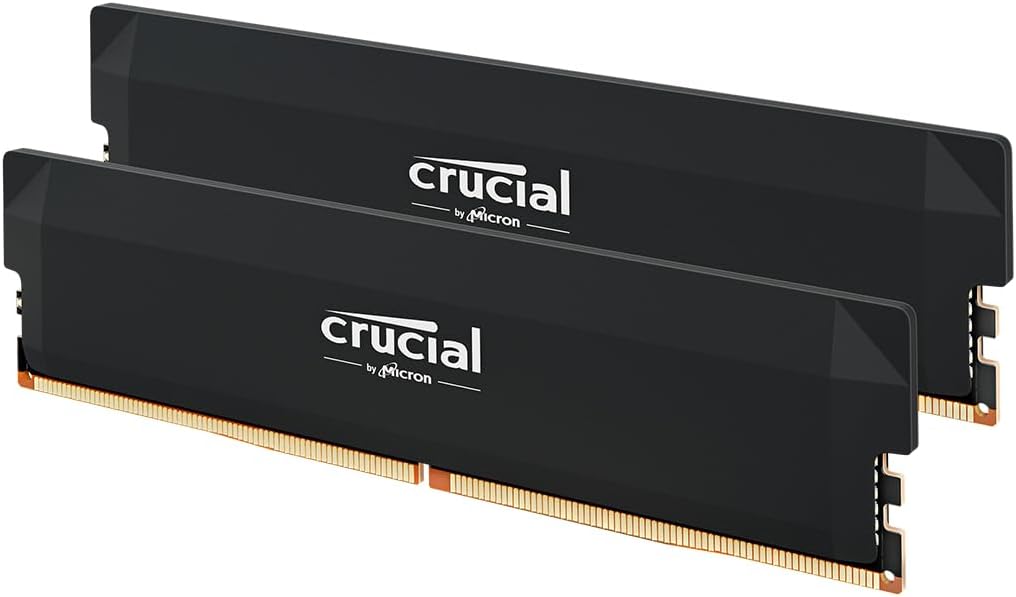
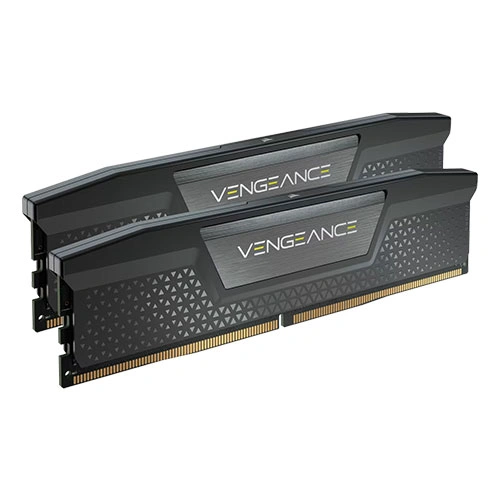

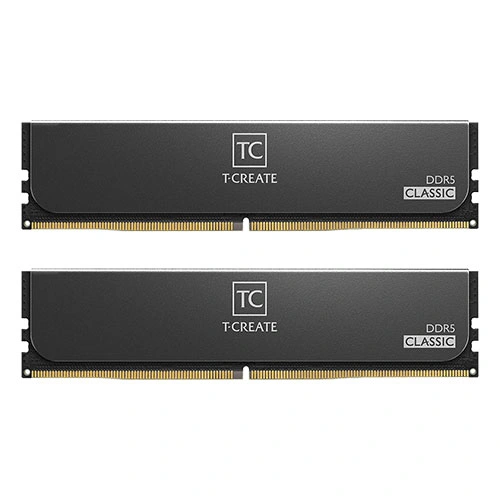
12 Best DDR5 RAM For Gaming In 2026 Tested Reviewed Crucial Pro DDR5 RAM 32GB Kit 2x16GB 6400MHz CL38 . 7 Best DDR4 RAM For Gaming Video Editing On Desktop PC 2026 . Corsair Vengeance Gray 32GB 16GBx2 6000MHz CL36 DDR5 Desktop RAM Corsair Vengeance Gray 32GB 16GBx2 6000MHz CL36 DDR5 RAM 1.webp. Best DDR5 RAM Kits For Gaming 2026 Gaming PC Guru AC SL1500 . TeamGroup T Create Classic DDR5 32GB 16GBx2 6400MHz CL52 Desktop RAM TeamGroup T Create Classic DDR5 32GB 16GBx2 6400MHz CL52 RAM 1.webp
Best 64GB DDR5 RAM Kits In 2026 Streamin Gaming PC Guru Best Memory For Gaming Pc Featured 800x500 . 12 Best DDR5 RAM For Gaming In 2026 Tested Reviewed TEAMGROUP T FORCE DELTA RGB DDR5 Ram 32GB 2x16GB 6000MHz PC5 1024x729 . TeamGroup T Create Classic DDR5 32GB 16GBx2 6400MHz CL52 Desktop RAM TeamGroup T Create Classic DDR5 32GB 16GBx2 6400MHz CL52 RAM 2.webp. 12 Best DDR5 RAM For Gaming In 2026 Tested Reviewed TEAMGROUP T Force Delta RGB DDR5 Ram 48GB 2x24GB 8000MHz PC5 64000 1024x724 . Best RAM For Gaming 2026 DDR5 Speed T Gaming PC Guru 91WmPX4LHmL
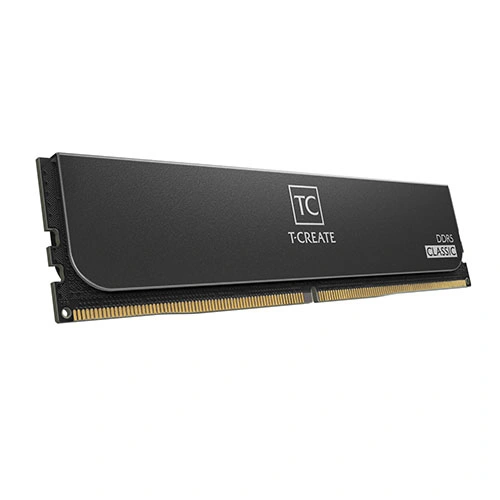
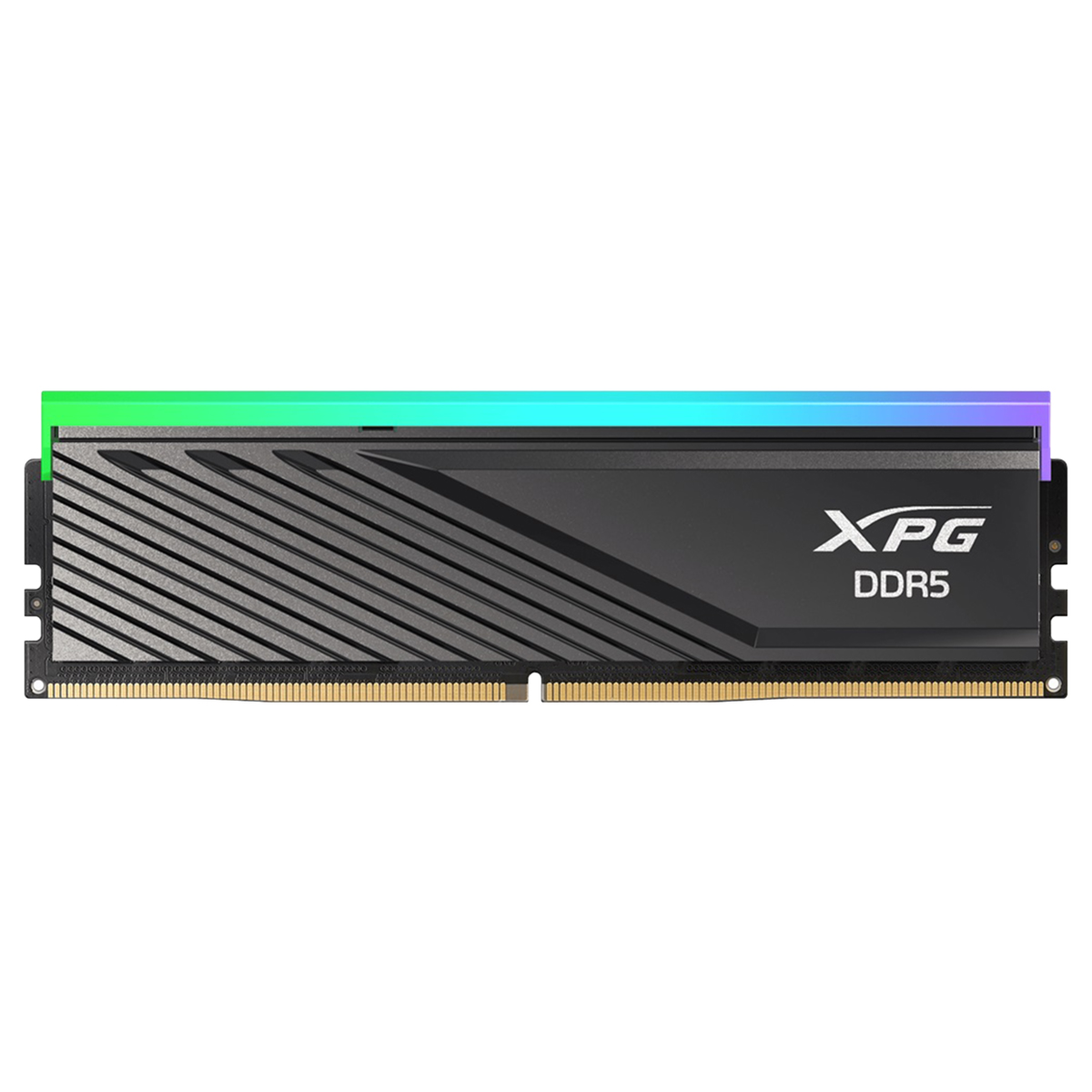


Best RAM For Gaming 2024 Fast Cheap And RGB Tom S Hardware . TeamGroup T Create Classic DDR5 32GB 16GBx2 6400MHz CL52 Desktop RAM TeamGroup T Create Classic DDR5 32GB 16GBx2 6400MHz CL52 RAM 3.webp. XPG Lancer Blade RGB 16GB DDR5 Bulk Ram Gaming Gen TR Xpg Lancer Blade Rgb 16gb 1x16gb 6000mhz Cl48 Intel Xmp 3 0 Amd Expo Ddr5 Bulk Ram Blabrbk 1 . Best RAM For Gaming 2026 Best Ram Gaming G Skill Ripjaws Ddr5 Laptop 550x309 . Hynix 32GB DDR5 5600 MHz ECC RAM At Best Price In Kolkata By Solaris Hynix 32gb Ddr5 Rdimm 5600 Mhz Ram 1000x1000